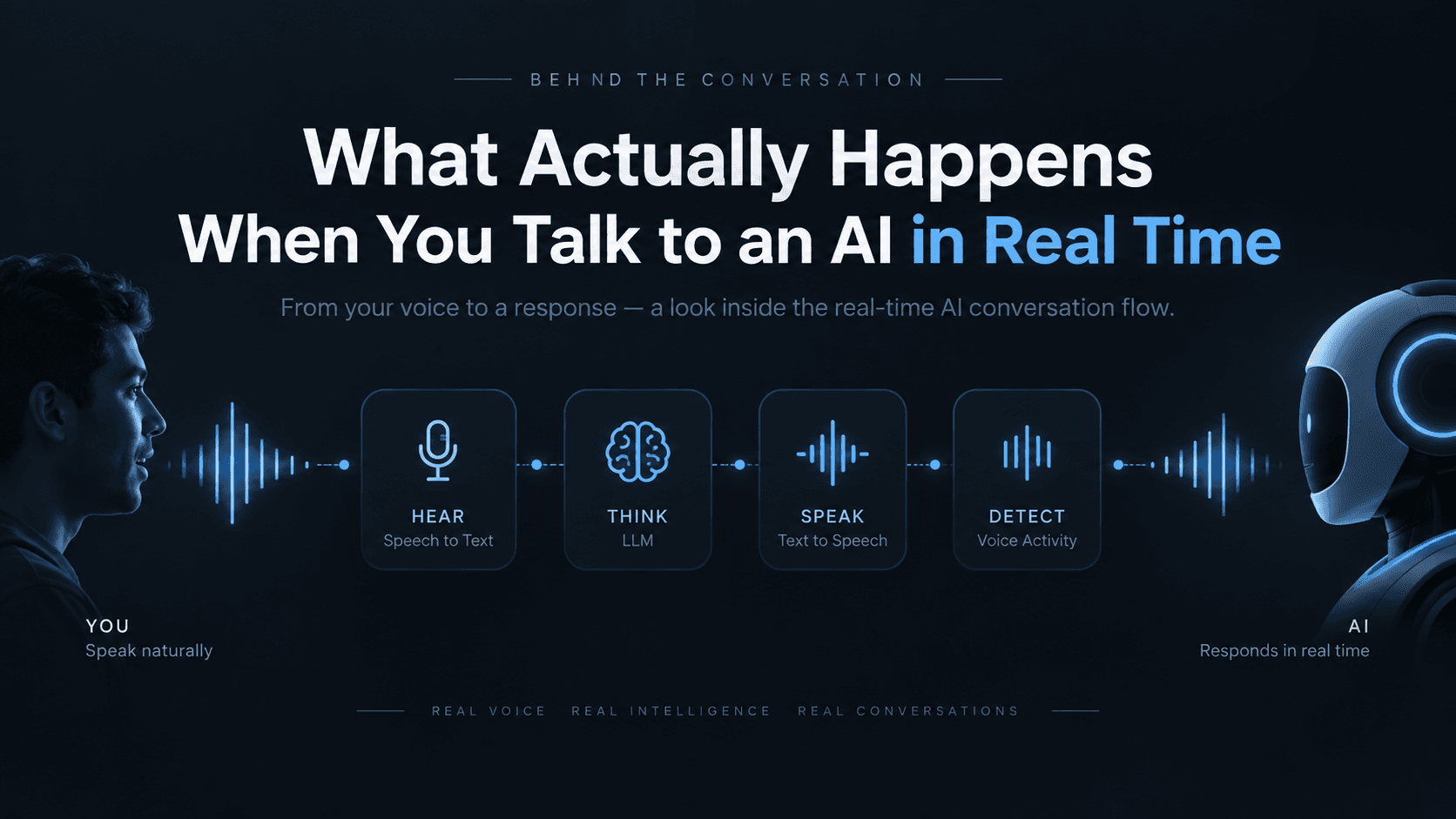
Type a message to an AI and you wait for text. Talk to one and you expect an answer in under a second, mid-breath, like a real phone call. That second version is a much harder engineering problem — and almost nobody who uses it sees why.
Here's the machinery behind it, in seven steps, with the code to build it yourself.
The pieces
- A real-time media server — routes live audio between your app and your AI worker. LiveKit is the open-source standard here; think of it as the plumbing behind video calling apps, repurposed for AI.
- A backend — issues short-lived access tokens and writes the "briefing" (persona, voice, topic) as room metadata.
- A voice worker — a small always-on process that auto-joins any new room and runs the STT → LLM → TTS loop.
┌────────────┐     1. request token      ┌────────────┐
│   Client   │ ────────────────────────▶ │  Backend   │
│  (app/web) │ ◀──────────────────────── │            │
└────────────┘     2. token + room URL   └────────────┘
      │                                         │
      │ 3. connect (token)                      │ writes room
      ▼                                         │ metadata
┌────────────────────────────────────────────────────┐
│              Real-time media server                 │
└────────────────────────────────────────────────────┘
      ▲
      │ 4. auto-joins on room creation
┌────────────┐
│   Voice     │  STT → LLM → TTS, in a loop
│   worker    │
└────────────┘
Step 1 — Backend: mint a token, attach the briefing
The backend never touches audio. Its only job: decide who's allowed in, and write down what the AI should be for this specific call.
// backend/create-voice-session.ts
import { AccessToken, RoomConfiguration } from 'livekit-server-sdk';

interface Briefing {
  systemPrompt: string;
  voiceId: string;
  greeting: string;
  language: string;
}

export async function createVoiceSession(userId: string, briefing: Briefing) {
  const roomName = `voice-${crypto.randomUUID()}`;
  const metadata = JSON.stringify(briefing);

  const token = new AccessToken(process.env.LIVEKIT_API_KEY!, process.env.LIVEKIT_API_SECRET!, {
    identity: `user-${userId}`,
    ttl: '15m',
  });

  token.addGrant({ roomJoin: true, room: roomName, canPublish: true, canSubscribe: true });

  // Room is created lazily, the moment the token is used — with this
  // metadata already attached. No separate "create room" round trip.
  token.roomConfig = new RoomConfiguration({
    emptyTimeout: 300,       // tear the room down 5 min after everyone leaves
    maxParticipants: 2,      // the human + the AI, nobody else
    metadata,
  });

  return {
    url: process.env.LIVEKIT_URL,
    token: await token.toJwt(),
    roomName,
  };
}
The client calls this over a normal HTTPS endpoint, gets back { url, token, roomName }, and hands those three values straight to the media server SDK.
Step 2 — Client: connect, don't publish audio yet
// client/connect.ts
import { Room } from 'livekit-client';

async function joinVoiceCall(url: string, token: string) {
  const room = new Room();
  await room.connect(url, token);

  // Publish the mic only when the user actually wants to talk —
  // publishing on connect races the UI and can record before you mean to.
  await room.localParticipant.setMicrophoneEnabled(true);

  room.on('trackSubscribed', (track) => {
    if (track.kind === 'audio') track.attach(); // plays the AI's voice
  });

  return room;
}
Step 3 — Voice worker: the part that actually talks
This is a small Python process, always running, registered with the media server. It never touches your app's database — everything it needs arrives as room metadata.
# worker/agent.py
import json
from livekit.agents import Agent, AgentSession, JobContext, WorkerOptions, cli, room_io
from livekit.plugins import deepgram, openai, elevenlabs, silero

async def entrypoint(ctx: JobContext):
    await ctx.connect()

    # Read the briefing the backend wrote into the room.
    briefing = json.loads(ctx.room.metadata or "{}")
    system_prompt = briefing.get("systemPrompt", "You are a helpful voice assistant.")
    voice_id = briefing.get("voiceId")
    greeting = briefing.get("greeting", "Hello! How can I help?")

    session = AgentSession(
        stt=deepgram.STT(model="nova-3"),          # hears you
        llm=openai.LLM(model="gpt-4o-mini"),        # thinks of a reply
        tts=elevenlabs.TTS(voice_id=voice_id),      # speaks it
        vad=silero.VAD.load(),                      # knows when you start/stop talking
        turn_detection="vad",
    )

    await session.start(
        room=ctx.room,
        agent=Agent(instructions=system_prompt),
        room_options=room_io.RoomOptions(audio_input=True),
    )

    # Speak first — don't wait for the human to break the silence.
    await session.generate_reply(instructions=f"Greet the user: {greeting}")

if __name__ == "__main__":
    cli.run_app(WorkerOptions(entrypoint_fnc=entrypoint))
Run it with:
pip install livekit-agents livekit-plugins-deepgram livekit-plugins-openai livekit-plugins-elevenlabs livekit-plugins-silero
python agent.py dev
That's it — no polling loop, no manual room-joining code. cli.run_app registers the worker with the media server; the moment any room is created, it's dispatched a job and entrypoint runs.
Why this shape, not a simpler one
A tempting shortcut: skip the media server, stream raw audio over a WebSocket straight to your backend, run STT/LLM/TTS there. It works — for a demo. It falls over on real networks: no jitter buffering, no automatic reconnect, no built-in echo cancellation, and your backend now holds a stateful audio connection open per user instead of staying a stateless request handler. The media server exists specifically to solve the parts of "live audio over the internet" that have nothing to do with AI and everything to do with networking — reuse it rather than reinventing it.
What makes replies feel instant
Two settings do most of the work:
turn_handling={
    "interruption": {"enabled": True, "min_duration": 0.4},
    "preemptive_generation": {"enabled": True},  # start replying to the interim transcript,
                                                   # before the user finishes their sentence
}
preemptive_generation is the single biggest latency win available — it's the difference between "waits for you to finish, then thinks" and "is already halfway to an answer by the time you stop talking."
Interruptions don't break it
Cut the AI off mid-sentence and its voice-activity detector notices within a fraction of a second and stops — the way a person actually pauses when talked over, not a scripted wait for silence. Clear your throat instead of really interrupting, and it quietly resumes the sentence it was mid-way through, rather than treating a cough as a request to start over.
Hanging up is a cleanup job, not a wait
The room closes, the worker exits, and whatever needs to happen with the transcript afterward — scoring it, summarizing it, filing it — runs in the background. You're never sitting on a spinner waiting for bookkeeping.
The one idea worth keeping
A real-time voice AI isn't one clever system. It's four narrow specialists — hearing, thinking, speaking, and noticing silence — wired into a tight loop, on infrastructure built for live audio instead of a request/response API. Every part of what makes it feel human, the quick replies and the clean interruptions, comes from how tightly that loop overlaps, not from any one part being smarter.
Try it yourself: sign up for a LiveKit Cloud free tier, get a Deepgram, ElevenLabs, and OpenAI API key each, drop them in .env, and the three snippets above are a working real-time voice AI — no product name attached, just the plumbing.